What it is
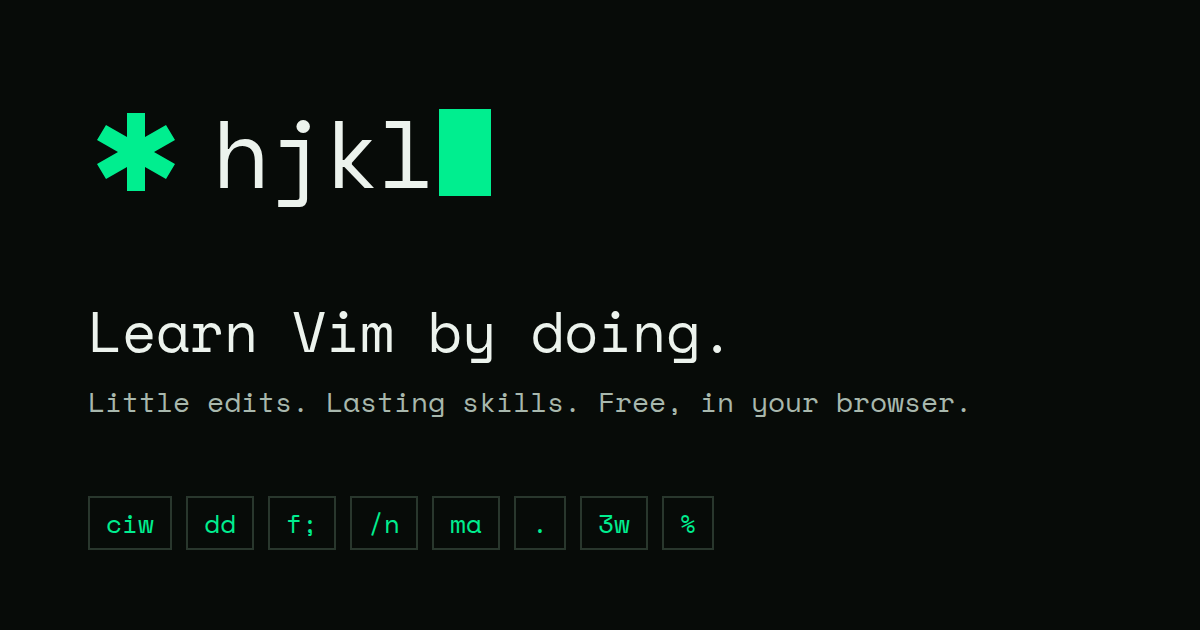
hjkl is a browser game for learning and practicing Vim commands through short, hands-on editing challenges. It was made by Duy Hua to help remember Vim commands, and it runs inside a real Vim editor in the browser. The challenges cover motions, text objects, search, marks, counts, and repeats.
From the developer
In the developer’s own words, from hjkl.duy.run.
I made hjkl to help myself remember Vim commands. It’s a little browser game you can play when you want to unwind and get a bit of Vim practice in. There are still a lot of commands I want to add, but I hope someone finds it useful in the meantime :)
Editor takes

“I'm not finding palettes or sprites here—just a bare text editor—but the crisp satisfaction of a wrong word dissolving under ciw is its own visual treat.”

“For a six-edit skill loop it's impressively tight, though the complete lack of saved progress makes 'lasting skills' a promise only your own memory can keep.”

“There's no run variance or score chase, so my one-more-run itch only comes from testing whether my fingers remember 3dd after a week away.”

“There's no story to read, but the quiet ritual of making tiny perfect edits gives learning the feel of a zen garden.”
How to play
Pick the skills you want to practice, then complete small editing tasks in the embedded Vim editor. Each skill includes guided edits, prompted edits, and independent edits, and any valid edit that reaches the target text passes. Type :help in Normal mode to see the commands available for the current challenge.
Tips
- Start with simple motions like h, l, w, and b before trying editing commands.
- Use counts such as 3w or 2dd to make larger movements in fewer keystrokes.
- If you are stuck, type :help in Normal mode to review the current commands.
- Practice text objects like ciw or ci" to change words and quoted text precisely.
- Use . to repeat your last edit and build muscle memory for common changes.
Questions
Is hjkl free?
Yes, it is free and requires no sign-up or account.
Does it work on mobile?
No, it needs a desktop browser with a physical keyboard.
Do I need Vim installed?
No, the challenges run in a real Vim editor inside the browser.
Does it save my progress?
No, nothing is stored; each session starts fresh.
How is each skill structured?
Each skill runs two guided edits, two prompted edits, and two independent edits, so sessions are short and repeatable.

Comments 0
Log in to comment
No comments yet. Share a tip, a bug or your best moment.