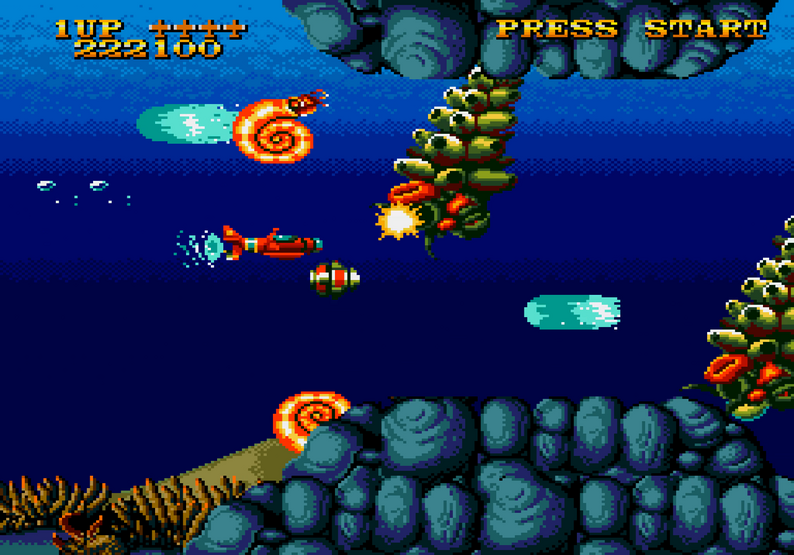
What it is
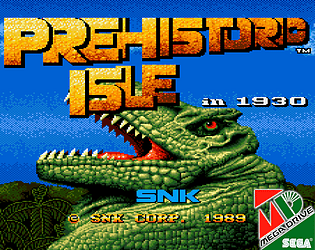
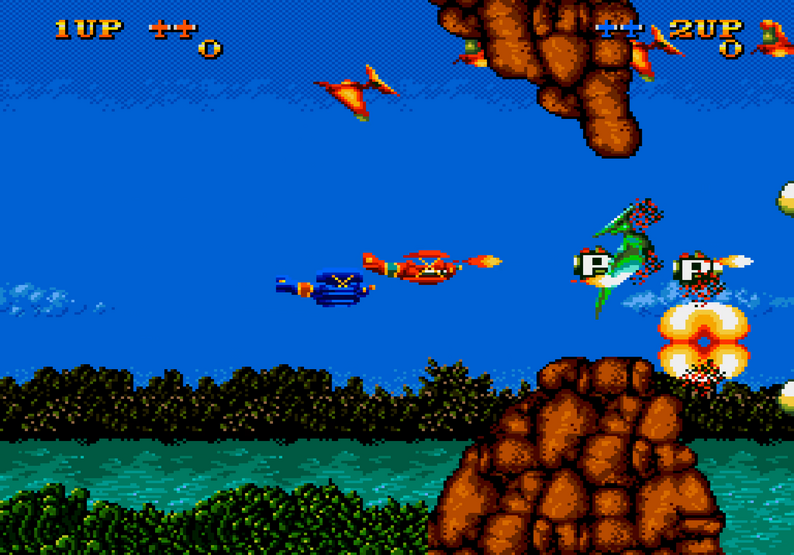
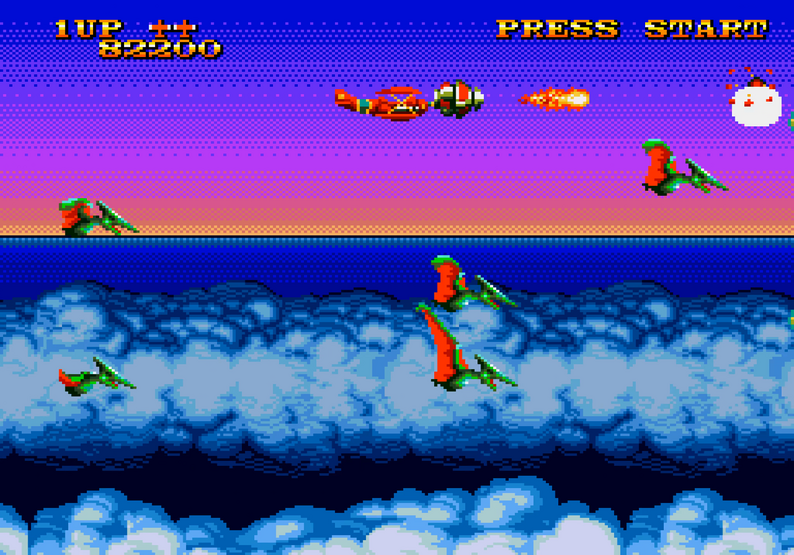
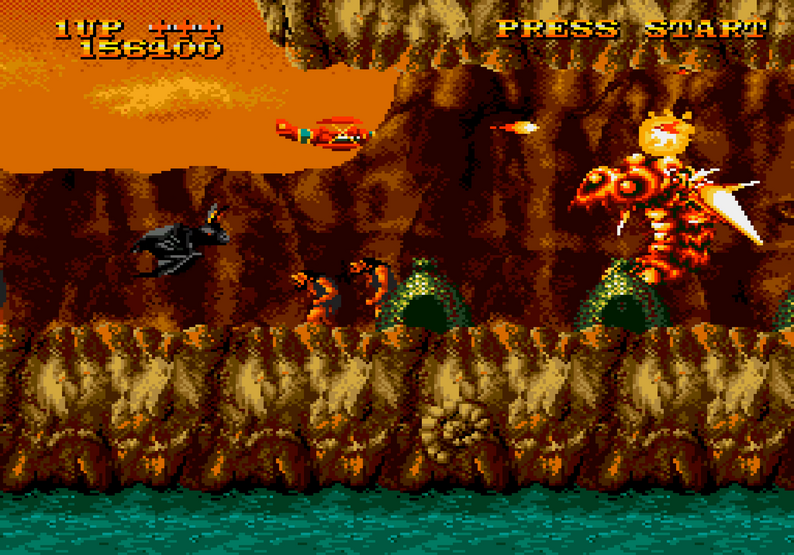
Prehistoric Isle MD is an unofficial port of SNK's 1989 arcade shooter Prehistoric Isle in 1930 to the Sega Mega Drive / Genesis. It preserves the original's side-scrolling plane action against prehistoric dinosaurs and offers a range of configurable options for difficulty, lives, credits, and more.
From the developer
In the developer’s own words, from mxretrodev.itch.io.
This is a port of "Prehistoric Isle in 1930" for the SEGA Mega Drive / Genesis. Please read all the details below before playing.
Default Controls
A: Shoot
Read more
B: Rotate the satellite
Main Menu Options
Here's a breakdown of all the options available when starting the game:
DIFFICULTY: EASY / NORMAL / MEDIUM / HARD.
LIVES: Number of lives available at the start of each credit (2 to 5 lives, or infinite lives).
CREDITS: From 1 to 9 credits, or FREE PLAY.
EXTEND: Sets the score required to earn an extra life, both for the first extra life and subsequent ones. Available settings:
NONE
100K / 200K
150K / 300K
300K / 500K
CONTINUE: Determines whether continuing is allowed after losing all lives (YES / NO).
START STAGE: Choose which stage to start from (1 to 5).
DEMO SOUNDS: Enables or disables sound effects during attract mode (YES / NO).
FRAME RATE: AUTO / 30 FPS / FORCE 60 FPS.
I strongly recommend keeping this set to AUTO . Selecting 30 FPS will not improve performance; it will simply limit the frame rate.
SEGA CD CPU: If a SEGA CD is detected, its CPU can assist with game logic and image decompression, resulting in smoother gameplay.
AUTO FIRE: Enables or disables automatic shooting (YES / NO).
MUSIC VOL: Adjusts the in-game music volume from 0% to 100% (default is 60%).
MUSIC: Music test.
SOUND EFFECT: Sound effects test.
DEFAULT: Restores all settings to their default values.
START GAME: Starts the game using the selected options.
ROM Versions
There are three different ROM versions available:
4MB – Many graphics are decompressed in real time and digital sound quality runs at 6650 Hz. This version may be useful for old flash cartridges that don't support anything larger than 4MB .
5MB – The recommended version for most flash cartridges. It uses SEGA's standard bank-switching system and requires less real-time graphics decompression; digital sound quality runs at 13300 Hz. Use it with newer Everdrive clones.
7MB - All graphics are stored uncompressed. It's the recommended version for the Mega Everdrive X3 / X5 / X7.
8MB – All graphics are stored uncompressed. It's the recommended version for the Mega Everdrive Pro flashcard.
For the video, I used the 5MB version , without any assistance from the SEGA CD CPU.
All game settings and high scores are saved to SRAM.
Important note: Prehistoric Isle is an SNK game, and SNK retains all rights to the original game and its intellectual property.
Editor takes

“With difficulty, lives, extends, starting stage and even autofire all tweakable, no two credit feeds need to feel the same — and SRAM high scores give you a reason to hunt them.”

“Snappy A-shoot/B-satellite controls and frame-rate options give speedrunners a responsive base, though the challenge curve is what you make of it via the menu rather than a fixed gauntlet.”
How to play
Use A to shoot and B to rotate the satellite around your plane. On the main menu you can adjust difficulty, lives, credits, continue behavior, auto-fire, and sound before starting.
Tips
- Keep the frame rate on AUTO for the recommended experience.
- Enable AUTO FIRE if you don't want to hold the shoot button.
- Try EASY or NORMAL difficulty first to learn enemy patterns.
- Use START STAGE to practice later stages without replaying the whole game.
- Pick the ROM version that matches your flash cartridge's size and features.
Questions
Is this an official SNK game?
No. It is an unofficial fan port; SNK retains all rights to the original game and its intellectual property.
What hardware does it run on?
It is a Sega Mega Drive / Genesis ROM, so it runs on original hardware with a flash cartridge or on an emulator.
Which ROM version should I choose?
Use the 5MB version for most flash carts, the 7MB version for Mega Everdrive X3/X5/X7, and the 8MB version for Mega Everdrive Pro. Use the 4MB version only if your cartridge is limited to 4MB.
Does the game save progress?
Yes, all game settings and high scores are saved to SRAM.
Is it free?
It is available as 'name your own price', so you can download it for free or pay what you want.

Comments 0
Log in to comment
No comments yet. Share a tip, a bug or your best moment.