What it is
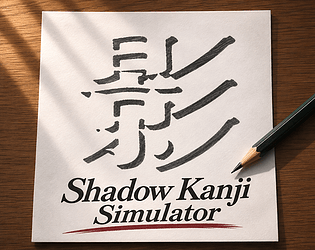
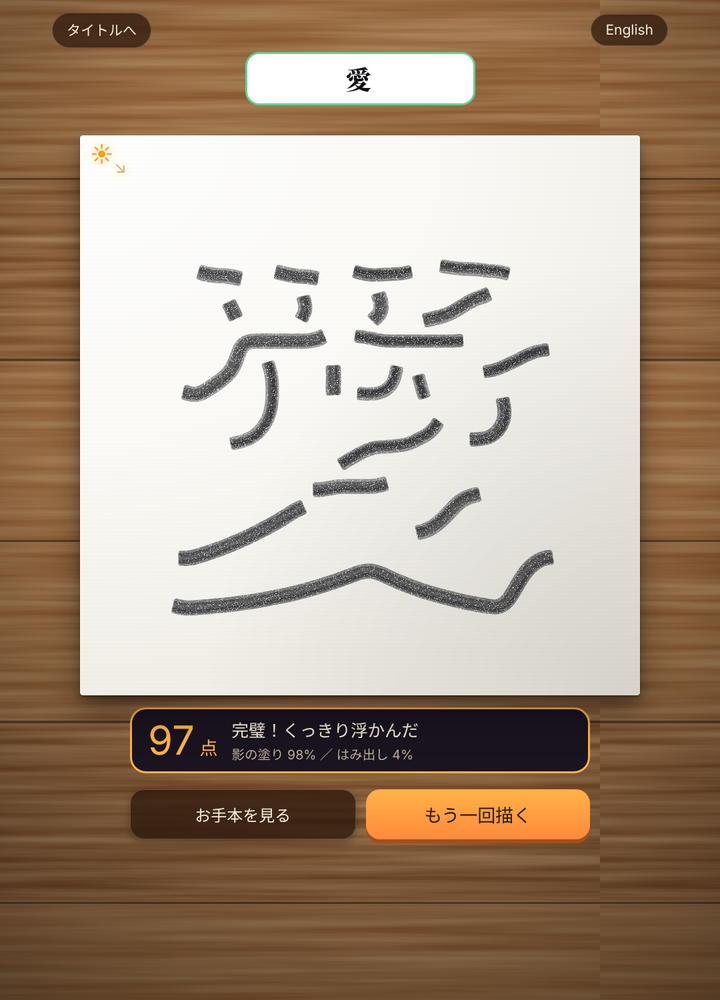
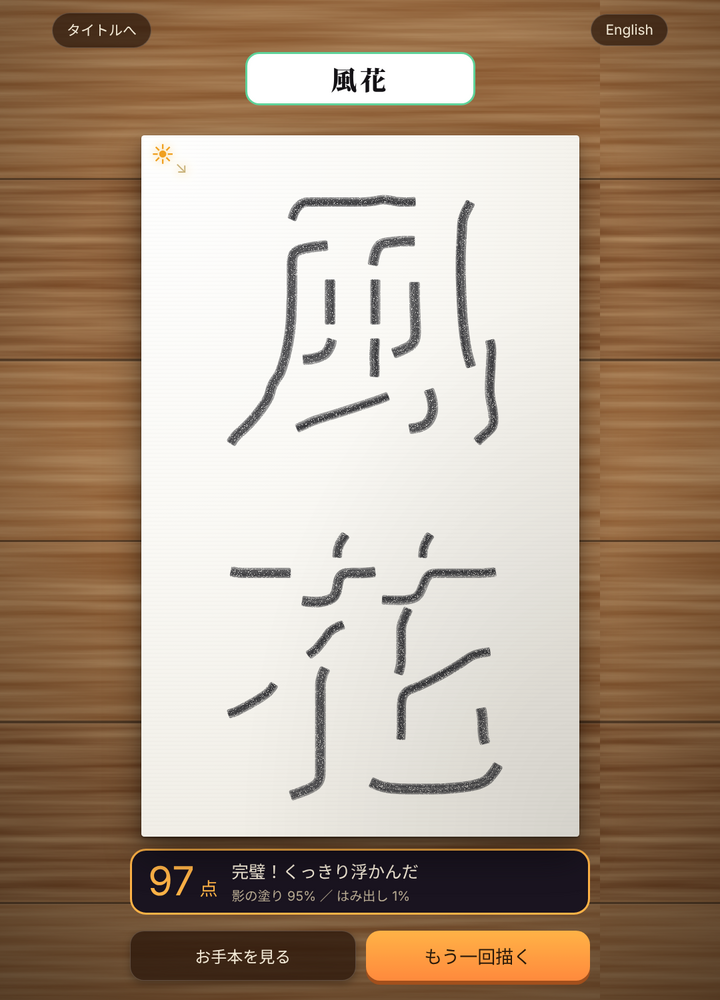
Shadow Kanji Simulator is a browser puzzle game about recreating kanji by drawing the shadows they cast. A light source sits at the top-left, and the character appears in the white space left after you trace the dark shadow shapes. You can type any text up to four characters, draw, then compare your result with the model.
From the developer
In the developer’s own words, from lidoli.itch.io.
Kanji Shadow Trace
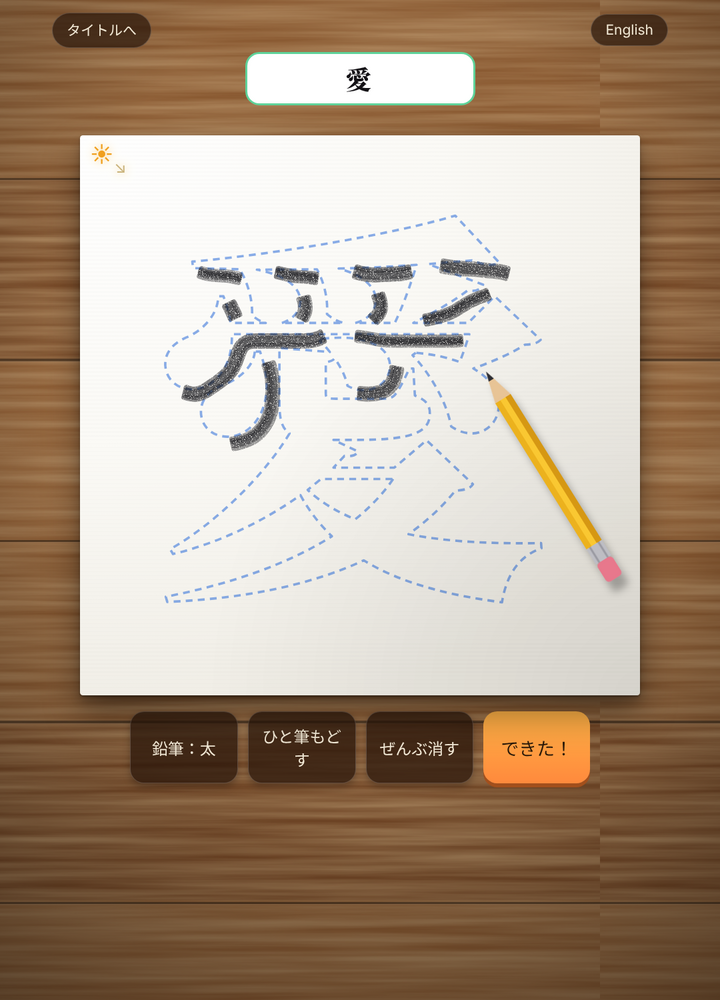
Light comes from the top-left. Draw only the shadows, and the kanji appears in the white you leave behind. Type any text (up to 4 characters), trace the shadows with a pencil, and compare with the model. PC: draw with the mouse / Phone: move the pencil with your finger, hold still for 1 second to start drawing.
Editor takes

“The shadow-tracing conceit is genuinely elegant, but with no scoring or accuracy feedback beyond eyeballing the model, the puzzle never commits to a fair win condition.”

“Perfect for a coffee-break: type a kanji, trace with your finger, done in under a minute — though there's no save, so each session starts fresh.”

“For a tiny one-mechanic browser game, the shadow-negative twist is a great jam-scale idea, but the polish is minimal and the AI-assist disclosure hints at where the cleverness came from.”

“There's no progression, scoring, or unlock loop to speak of — the long-term hook is just practicing kanji strokes, which will only hold players who actually want to study.”
How to play
Type up to four characters to choose the kanji you want to draw. On PC, draw the shadow shapes with the mouse; on a phone, move the pencil with your finger and hold still for one second to start drawing. When finished, compare your work with the model.
Tips
- Remember the light comes from the top-left, so draw where the shadows would fall rather than the strokes themselves.
- Leave the kanji strokes as white space and fill in the surrounding shadow areas.
- Start with a single character to get a feel for the shadow tracing before attempting four.
- On mobile, hold still for a second before drawing so the pencil activates.
- Compare your result with the model to spot shadow areas you may have missed.
Questions
Is Shadow Kanji Simulator free?
Yes, it is free to play in the browser on itch.io.
Can I play it on a phone?
Yes. On a phone, move the pencil with your finger and hold still for one second to start drawing.
How many characters can I enter?
You can type any text up to four characters.
What do I draw exactly?
Draw the shadows cast from the top-left light source; the kanji appears in the white space you leave behind.
Does the game use AI?
The game includes an AI-assisted disclosure on its itch.io page.



Comments 0
Log in to comment
No comments yet. Share a tip, a bug or your best moment.